1) Add UTM tags
Use standard UTMs in your campaign links to describe the audience.
https://yourdomain.com/?utm_source=google&utm_medium=cpc&utm_campaign=retargeting&utm_content=pricing-test
We personalize only after opt-in and only using on-page context and campaign tags you provide.
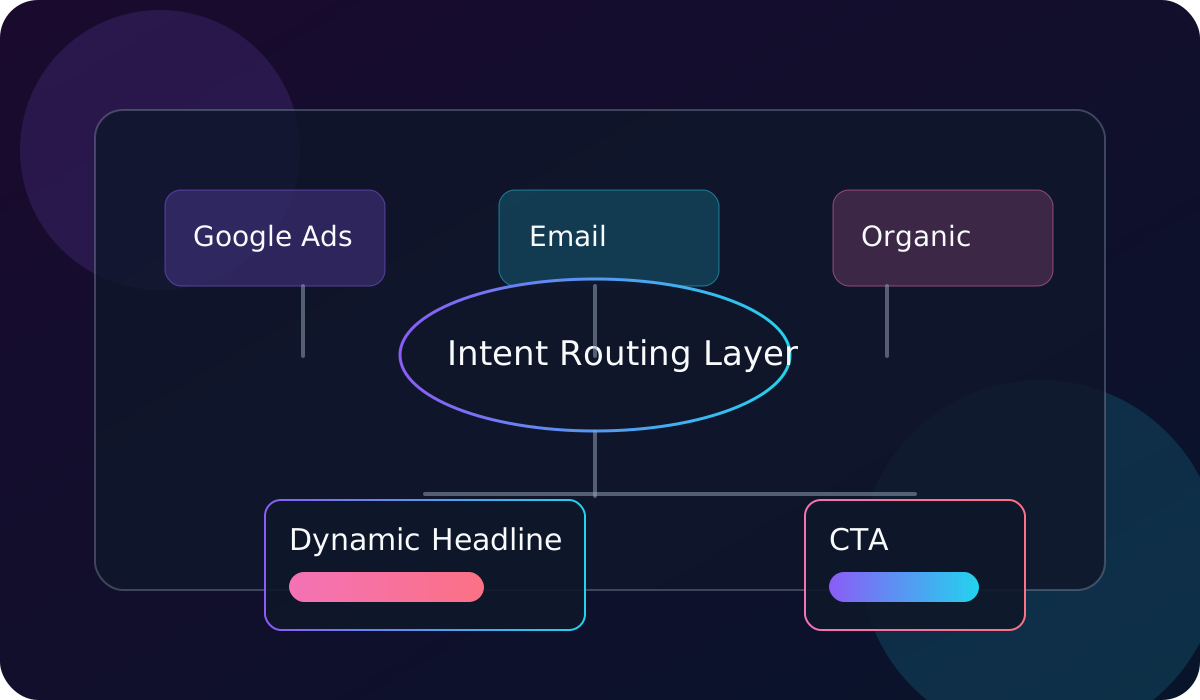
Use standard UTMs in your campaign links to describe the audience.
Add a segment in the snippet for page-level intent.
Personalization only activates after a user opts in. Essential-only experience remains available.
Events fire only after consent. Use these to measure lift in your analytics stack.
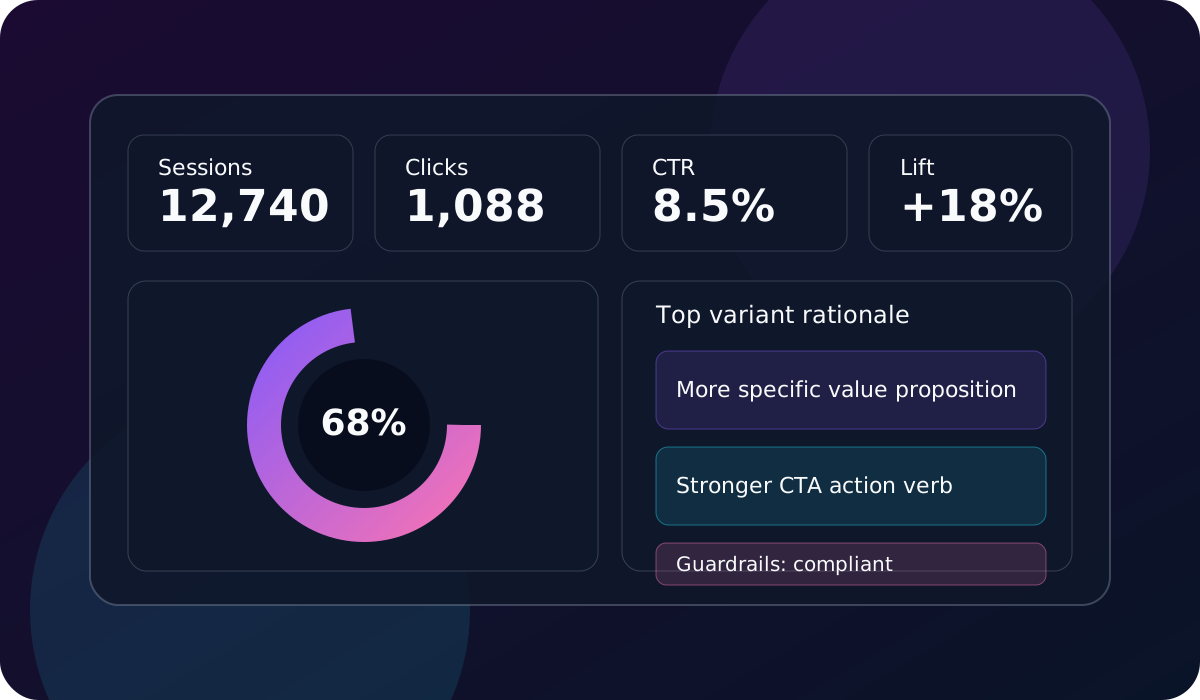
Track conversion experiments with clear event naming and consent-aware handling.
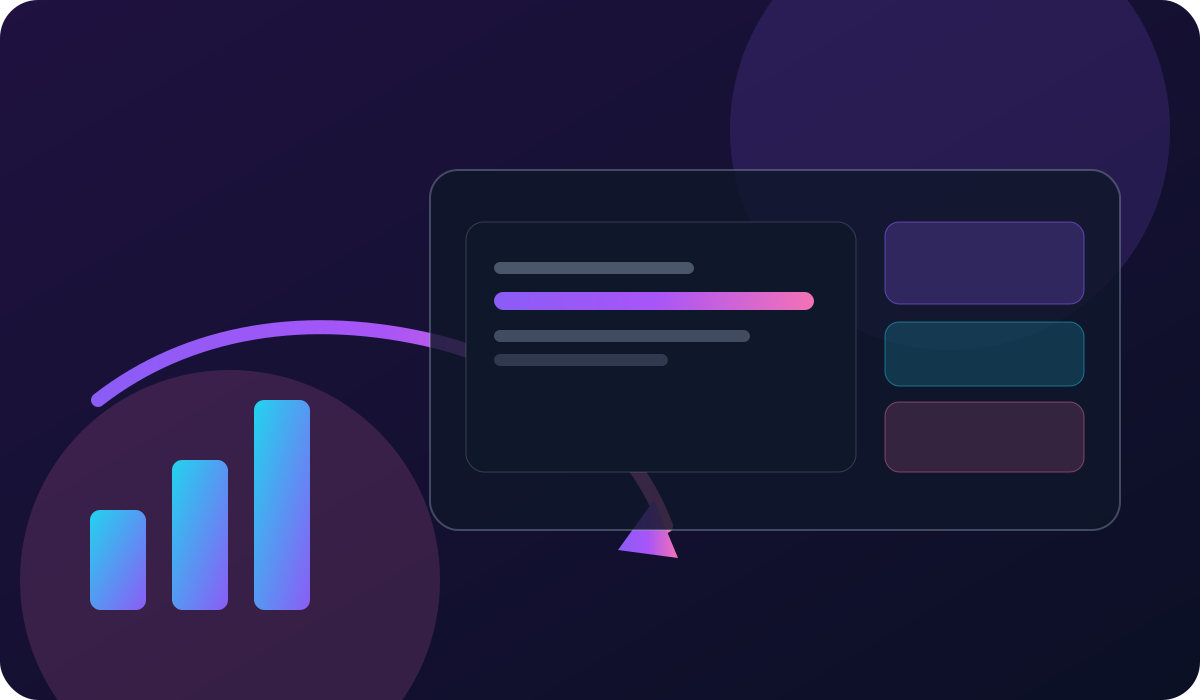
Baseline, test, promote winners, and maintain a full audit trail in one operating loop.
Fires on page load after consent.
Fires when the primary CTA is clicked.
GA4 will pick these up automatically via gtag or GTM dataLayer.
A clear brief improves automated results without exposing sensitive data.
Clarify the conversion goal, target segment, and priority funnel. This informs the initial copy baselines and guardrails.
Document the approved offer, required disclosures, and proof points so automation stays compliant and persuasive.
Use UTMs, GA4 events, and dashboard insights to promote winners and retire underperformers fast.